Knowledge Base

Remove a User from Your Organization

Remove a User from Your Organization

To remove a user from Unicli, follow these steps: Ensure you have administrator privileges. Access the Unicli Portal by clicking the link within the Unicli Add-in or by visiting app.unicli.ai. Locate the organization you wish to modify, then click the "edit user"...
read more
Remove a User from Your Organization

Folder Level Syncing

Unicli offers folder-level sync, enabling automatic linking of all files within a folder. This ensures that every supported document is linked when saved and unlinked when removed, providing consistent access to up-to-date information and removal of archived records....

read more
Remove a User from Your Organization

Mind the ‘Chat’ mode

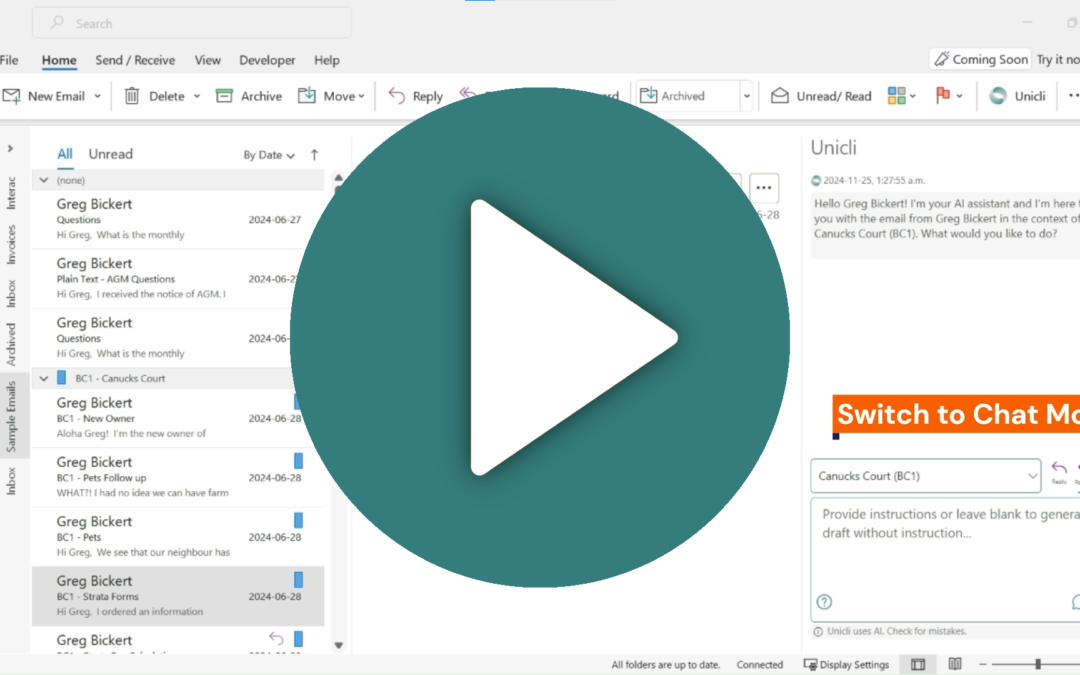
Unicli defaults to either ReplyAll or Compose mode, and it's easy to forget to switch modes, leading to unintended email drafts. Mind The Mode To ensure Unicli performs as desired, always check the mode before drafting. Are you replying, composing, or chatting? Here's...

read more
Updating text with Unicli is easy!

Updating text with Unicli is easy!

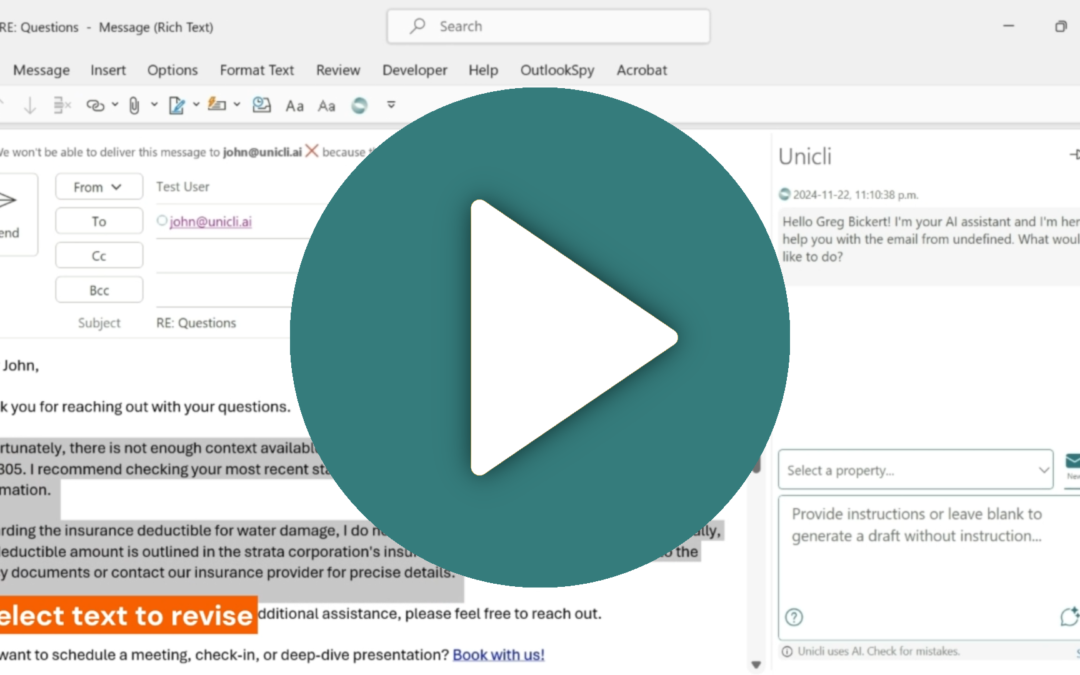
Revising text in a draft email or Word document is easy with Unicli. Step 1. Select the text to revise. Step 2. Provide instructions or additional context to use in the revision. Step 3. Click draft to redraft the selection. Watch this video for a short demonstration...

read more