
Navigate Our Knowledge Base
Welcome to Unicli's AI-Powered Knowledge Hub
Discover resources and insights tailored to property management professionals. Streamline your workflow with our AI-driven tools and expert guidance, starting with
Unicli for Outlook and Unicli for Word.
Find Your Topic
Explore Our Knowledge Base
How to use...
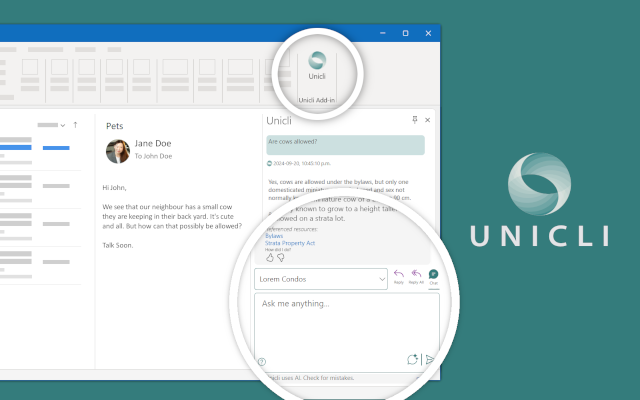
How to use Unicli for Outlook
Streamlining Emails
Discover the basics about how to use and navigate Unicli for Outlook to improve efficiency and quality of email communications.
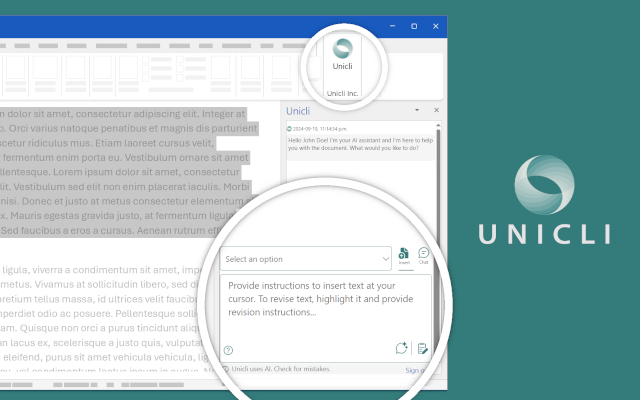
How to use Unicli for Word
Streamlining Documentation
Discover the basics about how to use and navigate Unicli for Word to improve efficiency and quality of document creation.
Other Knowledge...
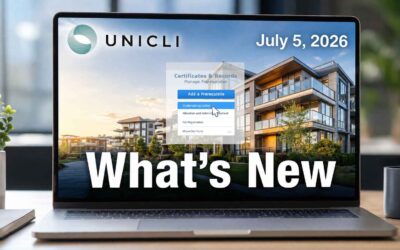
New Prerequisite Requests and Order Item Management
Easily attach related documents to emails, share large files with instant links, and enjoy improved admin tools and a redesigned Properties listing—all built to streamline your workflow.
A Smarter Way to Compare Documents and Manage Files, Right from Outlook
Easily attach related documents to emails, share large files with instant links, and enjoy improved admin tools and a redesigned Properties listing—all built to streamline your workflow.

Enhanced Source References, Improved Navigation, and Easier Access to Chat
Easily attach related documents to emails, share large files with instant links, and enjoy improved admin tools and a redesigned Properties listing—all built to streamline your workflow.
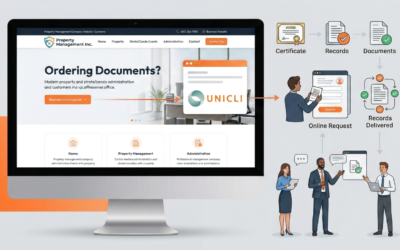
Forms Request Page to Direct Customers to Unicli
How to Update Your Forms Request Page to Direct Customers to Unicli to streamline certificate and record requests.

Smarter Property Detection, Enhanced Communication Styles, and a New Proxy Register
Easily attach related documents to emails, share large files with instant links, and enjoy improved admin tools and a redesigned Properties listing—all built to streamline your workflow.
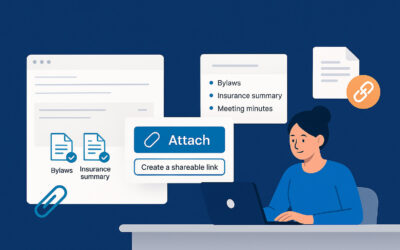
Effortless Document Attachments, Links & Portal Enhancements
Easily attach related documents to emails, share large files with instant links, and enjoy improved admin tools and a redesigned Properties listing—all built to streamline your workflow.

Unicli File Management Best Practices
How to Effectively Use Unicli’s Folder-Level Sync Capability to reduce file maintenance

Unicli Update: Superspeed Drafting Mode
Introducing Unicli’s New Superspeed Drafting Mode! We know that sometimes you just want to whip through quick email replies or make fast revisions to your text—without waiting for extra document resources to load. That’s why we’re excited to announce a new feature in...

Unicli Update: Enhanced Intelligence and Usability
We are excited to announce the latest release of Unicli, bringing significant enhancements to both intelligence and usability. This update is designed to make your experience smoother and more productive, ensuring that property managers can accomplish their tasks with...

Unicli Update: One-Click Reply, Unicli Data Source, Single Sign-On and more
We're excited to announce the latest updates to Unicli, designed to enhance your experience. These new features aim to streamline your workflow, improve efficiency, and provide you with more insightful data at your fingertips.One-Click Reply from Outlook Ribbon...