
Downloads & Utilities
Download official Unicli software, utilities, and productivity tools.
Some downloads are completely free to use. Others are free to download but require an active Unicli subscription.

Marketplace
Install from Microsoft AppSource
The Microsoft AppSource versions of the Unicli add-ins are the recommended option for most users. These add-ins are managed directly through Microsoft 365 and are ideal for organizations using Microsoft Exchange Online or Microsoft 365 email services. Installation is simple, updates are delivered automatically through Microsoft’s platform, and users receive the same Unicli drafting, document, and workflow features they rely on every day.
Choose the add-in you would like to install below. Each add-in is free to install. An active Unicli account and subscription are required to use the service.

Unicli for Outlook
The Microsoft AppSource add-in brings Unicli directly into Microsoft Outlook, providing AI-powered drafting, document referencing, email assistance, and workflow tools without leaving your inbox.
Why Install from Microsoft AppSource?
- Recommended for organizations using Microsoft 365 and Exchange Online.
- Centrally deployable across teams through Microsoft 365 administration tools.
- Automatically receives updates and new features through Microsoft’s add-in platform.
Requirements
- Microsoft Outlook (Classic or New)
- Microsoft 365 with Exchange email account
- An active Unicli Core AI Solutions subscription
Cost
- Free to install
- Active subscription required to access Unicli services
Learn more about Unicli for Outlook at Unicli for Outlook.

Unicli for Word
The Microsoft AppSource add-in brings Unicli directly into Microsoft Word, providing AI-powered drafting, document referencing, content generation, and document assistance tools within the documents you work on every day.
Why Install from Microsoft AppSource?
- Works seamlessly with Microsoft Word and Microsoft 365.
- Centrally deployable across teams through Microsoft 365 administration tools.
- Automatically receives updates and new features through Microsoft’s add-in platform.
Requirements
- Microsoft Word
- Microsoft 365 account
- An active Unicli Core AI Solutions subscription
Cost
- Free to install
- Active subscription required to access Unicli services
Learn more about Unicli for Word at Unicli for Word.
Other Downloads & Utilities

Unicli for Outlook (VSTO Add-in)
The VSTO (Visual Studio Tools for Office) add-in brings Unicli directly into Outlook Classic, providing the same AI-powered drafting, document referencing, and email assistance features available in the Microsoft AppSource add-in.
Why Download the VSTO Version?
- Supports any IMAP email provider (not limited to Microsoft Exchange or Microsoft 365 email).
- Runs locally on your computer for faster loading and responsiveness.
- Includes the same core functionality as the standard Unicli Outlook add-in.
Requirements
- Microsoft Outlook Classic (Windows)
- An active Unicli Core AI Solutions subscription
Cost
- Free to download
- Active subscription required to access Unicli services
Learn more about Unicli for Outlook at Unicli for Outlook.
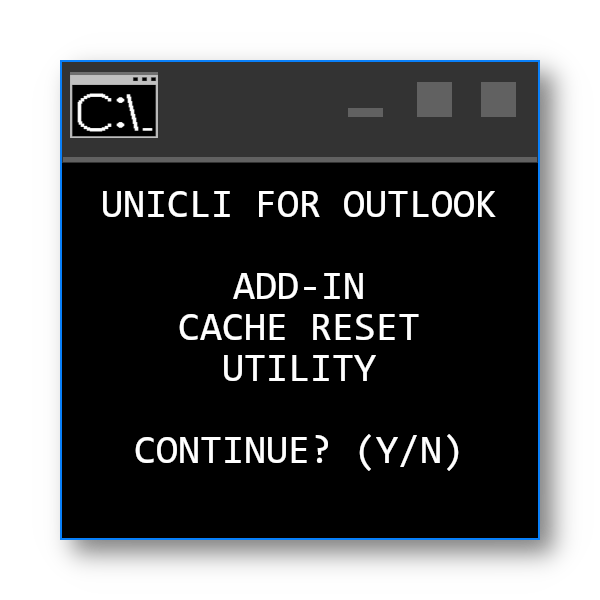
Office Add-in Cache Clearing Utility
The Office Add-in Cache Clearing Utility automatically clears the local cache used by Microsoft Outlook and Word add-ins, forcing Office to download the latest version of your add-ins installed from Microsoft AppSource.
Why Download the Cache Clearing Utility?
- Access newly released features that are not yet visible.
- Resolve issues caused by outdated Office add-in cache files.
- Automatically closes Outlook, clears the required cache files, and reopens Outlook.
Requirements
- Microsoft Outlook and/or Microsoft Word (Windows)
- An add-in installed through Microsoft AppSource
Cost
- Free to download
- No subscription required
Need help? Contact Unicli Support.