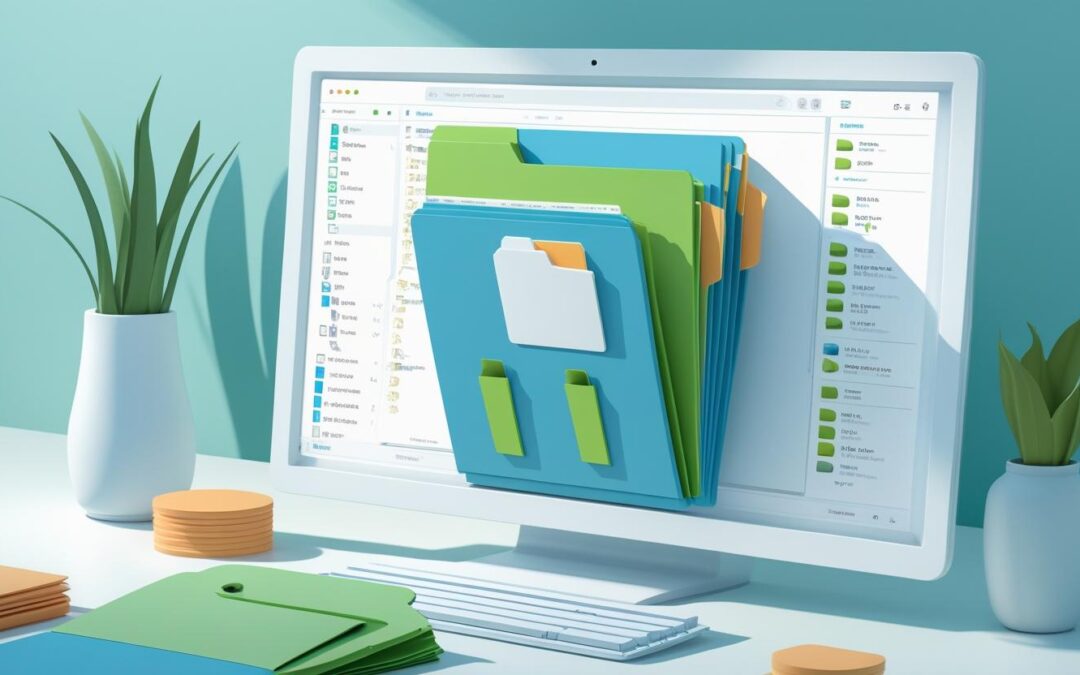
How to Effectively Use Unicli’s Folder-Level Sync Capability to reduce file maintenance
Unicli File Management Best Practices
read more

How to Effectively Use Unicli’s Folder-Level Sync Capability to reduce file maintenance

Introducing Unicli’s New Superspeed Drafting Mode! We know that sometimes you just want to whip through quick email replies or make fast revisions to your text—without waiting for extra document resources to load. That’s why we’re excited to announce a new feature in...

We are excited to announce the latest release of Unicli, bringing significant enhancements to both intelligence and usability. This update is designed to make your experience smoother and more productive, ensuring that property managers can accomplish their tasks with...

We're excited to announce the latest updates to Unicli, designed to enhance your experience. These new features aim to streamline your workflow, improve efficiency, and provide you with more insightful data at your fingertips.One-Click Reply from Outlook Ribbon...
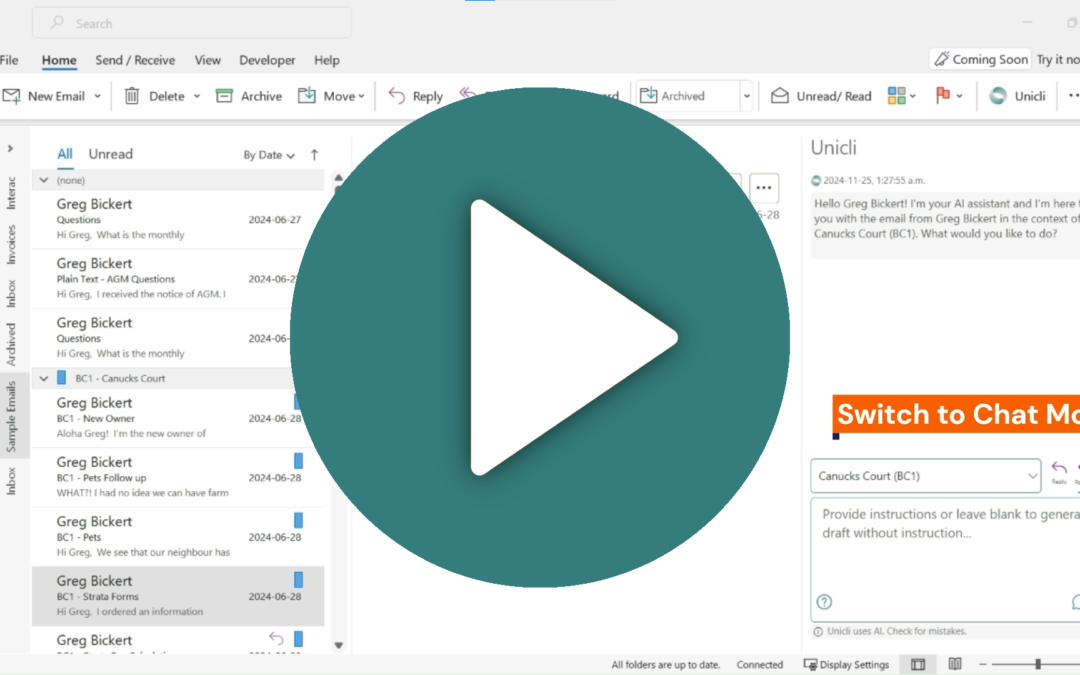
To remove a user from Unicli, follow these steps: Ensure you have administrator privileges. Access the Unicli Portal by clicking the link within the Unicli Add-in or by visiting app.unicli.ai. Locate the organization you wish to modify, then click the "edit user"...
Unicli offers folder-level sync, enabling automatic linking of all files within a folder. This ensures that every supported document is linked when saved and unlinked when removed, providing consistent access to up-to-date information and removal of archived records....