Knowledge Base

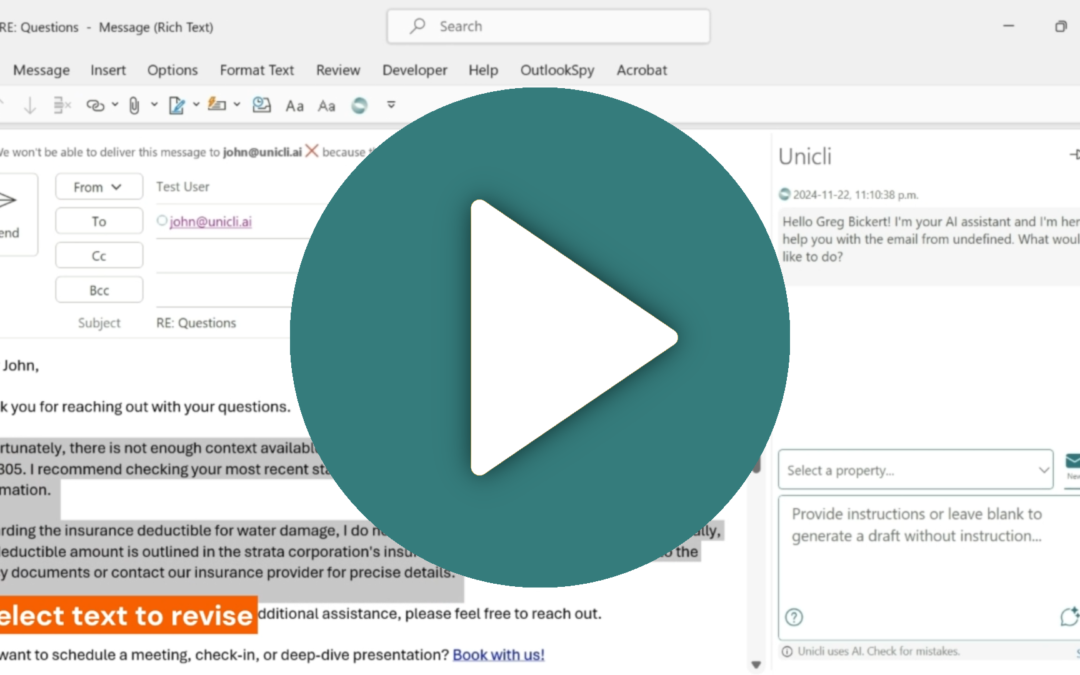
Updating text with Unicli is easy!

Updating text with Unicli is easy!

Revising text in a draft email or Word document is easy with Unicli. Step 1. Select the text to revise. Step 2. Provide instructions or additional context to use in the revision. Step 3. Click draft to redraft the selection. Watch this video for a short demonstration...

read more
Microsoft Office Cache

Microsoft Office Cache

Microsoft Office Cache and Its Purpose The Microsoft Office Cache is a temporary storage area where Office applications like Word and Outlook store data and files that are frequently accessed or recently used. This cache helps improve the performance and efficiency of...

read more
How to Use Unicli for Word Add-In

How to Use Unicli for Word Add-In

Unicli for Word Unicli for Word add-in offers productivity boosting features. Interact with Unicli just as you would with an assistant. Give it instructions or ask questions using the input area.Insert Mode Insert Mode is on by default when you open Unicli. You can...

read more