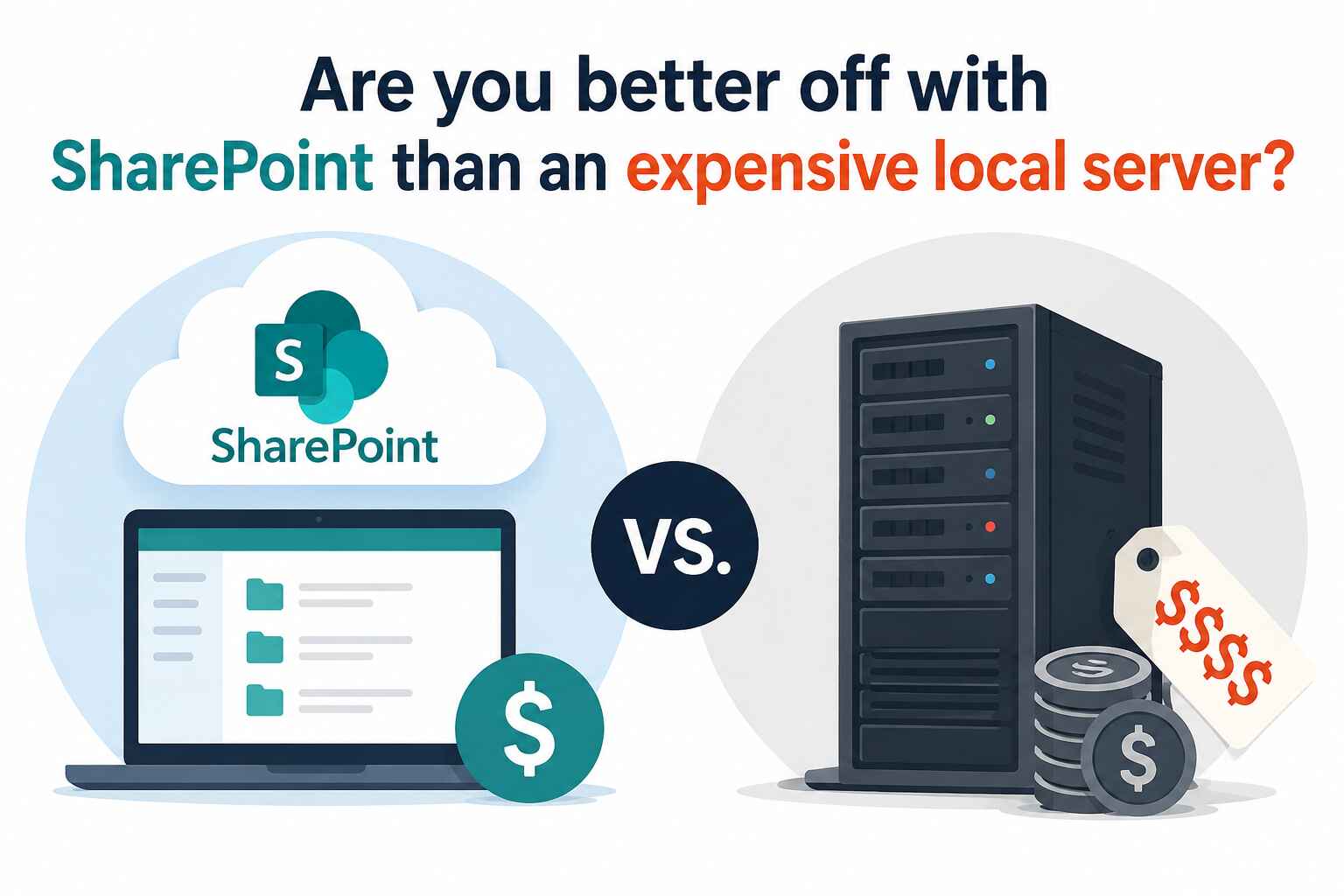
For years, strata, HOA, Co-op, and Condo management companies (i.e. property management companies) have been told they “need” a local Windows file server to properly manage their files and operations. In some cases, that advice is technically justified. But in many others, it is based on outdated assumptions, legacy habits, or IT company business models that depend on ongoing server maintenance revenue.
In our experience, property management companies are often ideal candidates for Microsoft SharePoint Online. When SharePoint is implemented properly and used as intended, most property management companies never notice the supposed drawbacks. What they do notice are the significant cost savings, reduced IT complexity, easier remote access, and simpler collaboration across teams and properties.
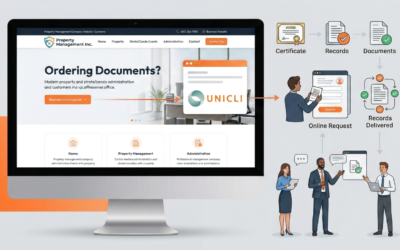
In fact, so many property management companies now rely on SharePoint and OneDrive to store their critical operational records that we have built direct support for both platforms into Unicli. This makes it easy to connect your existing files to your personalized AI assistant and automate certificate or records sales without constantly uploading files into multiple disconnected services. Your documents remain where your team already works, while still being accessible to the tools and automations that support your operations.
This is not an argument that local servers are obsolete. They still serve an important role in certain environments. But for many property management firms, the traditional “buy a server” recommendation no longer matches the way modern teams actually work.
Did you know that SharePoint lets you automatically save your changes to the cloud? You can also collaborate on the same document with someone else and see exactly where they are working in the Excel or Word document as you work together.
The Real Question Isn’t “Which Is Better?”
The conversation is often framed incorrectly.
The question is not:
“Is SharePoint better than a local file server?”
The real question is:
“Does my property management company actually need traditional file-server behavior?”
For many property management companies, the answer is increasingly no.
Most firms primarily work with:
- PDFs
- Office documents
- invoices
- contracts
- meeting minutes
- photos
- emails
These file types work extremely well in SharePoint.
Most property management companies are not editing massive CAD drawings, running heavy engineering workflows, or managing enormous media libraries. Their operational needs are typically centered around collaboration, accessibility, organization, and reliability — all areas where SharePoint performs very well.
Where Local Servers Still Have Advantages
To be fair, there are legitimate technical reasons why some IT professionals still prefer local Windows servers.
Faster Access for Very Large Files
A local server on a gigabit network is typically faster for:
- CAD files
- large video files
- massive Excel workbooks
- accounting databases
- large archives
If multiple users are constantly opening, editing, and saving very large files throughout the day, local storage can provide a better experience.
However, most property management firms do not operate in that type of environment. Even when larger files do exist — such as building plans, engineering reports, or archived project folders — they are often accessed by only one or two staff members at a time, not the entire office simultaneously.
In many cases, those specific users can simply sync the relevant folders locally through OneDrive or SharePoint to maintain a fast local copy on their computer. This provides the benefit of local-speed access for the people who regularly use those files, without the high cost of a local server for staff who rarely or never access those files. Other users can still open the files on demand when needed, without the large files impacting their daily workflow.
Better for Certain Legacy Software
Some older applications were built around:
- mapped network drives
- SMB shares
- direct file locking
- low-latency local access
Certain legacy accounting integrations (think Spectra 7 or Tenant Pro 6) or older document management systems may still depend on these technologies.
In those cases, a server may still make sense — at least temporarily.
Independence From Internet Outages
A local server continues working if:
- the internet goes down
- Microsoft has an outage
- the ISP experiences issues
This is a real advantage.
However, modern businesses are already heavily cloud-dependent. Most property management firms rely on cloud systems for:
- banking
- property management accounting software (Yardi, Condo Manager, Shiftsuite, etc.)
- CRM systems
- portals
- Teams or Zoom meetings
If internet access fails, many operations are already disrupted regardless of where files are stored. In addition, if the office internet goes down, any staff working remotely or from home may also lose access to the office server entirely unless complex backup connectivity systems are in place.
By comparison, cloud-based systems like SharePoint allow staff to continue working from virtually anywhere with an internet connection, even if the office itself experiences an outage or connectivity issue.
Where SharePoint Clearly Excels
This is where many conversations become unbalanced. The advantages of SharePoint are often understated.
Remote and Hybrid Work
SharePoint was built for modern work environments.
It supports:
- remote work
- hybrid teams
- mobile access
- collaboration (e.g. allow multiple people to work on the same budget or meeting notice simultaneously)
- secure document sharing (i.e. speed up your email load times by sharing links instead of attachments)
A local server typically requires:
- virtual private networks (VPNs)
- firewall management
- remote desktop infrastructure
- additional security configuration
VPNs often create a frustrating experience for users and additional support burdens for IT teams.
SharePoint removes much of that complexity.
Lower Long-Term Costs
This is one of the biggest factors for many property management companies.
A proper on-premises server environment often includes:
- server hardware
- Windows Server licensing
- backup systems
- battery backups
- firewall upgrades
- ongoing maintenance
- periodic hardware replacement
And then there are the ongoing costs:
- patching
- monitoring
- ransomware protection
- backup verification
- troubleshooting
- hardware failures
The “server” is rarely just a server.
Many IT providers generate recurring revenue from maintaining this infrastructure. That does not necessarily mean bad intent, but it can absolutely influence recommendations.
By comparison, most property management companies already pay for Microsoft 365 licenses that already include SharePoint. In those cases, the infrastructure is effectively already available.
Disaster Recovery and Resilience
With a local server, the business becomes responsible for:
- backups
- offsite replication
- restore testing
- ransomware recovery
- hardware failures
Many small businesses assume their backups are working properly — until they actually need them.
Microsoft’s infrastructure is generally far more resilient than the average server closet in a small or mid-sized office.
Modern Security Features
Modern Microsoft 365 environments include features such as:
- multi-factor authentication
- conditional access
- audit logs
- ransomware protections
- retention policies
- identity management
Ironically, many small business servers are less secure than properly configured cloud environments.
Why Some SharePoint Migrations Fail?
A major source of frustration comes from organizations trying to use SharePoint exactly like an old file server.
This is usually where problems begin.
A poor migration strategy often looks like this:
“Copy the entire shared drive into one giant document library.”
That approach creates:
- sync problems
- confusing navigation
- poor performance
- frustrated users
A successful SharePoint deployment requires thoughtful information architecture.
That means:
- organizing files logically
- separating archives
- training users properly (i.e. to sync what they need, and not try to download everything)
SharePoint is not meant to function as a simple network-attached storage device. When companies treat it that way, they often conclude that “SharePoint is terrible,” when the real issue was implementation strategy.
The Hybrid Model Often Makes the Most Sense for Larger Corporations
Many mature organizations now use a combination of both systems:
- SharePoint for daily operations and collaboration
- local storage for specialty or archival data
This approach provides:
- easier remote access
- lower IT overhead
- cloud collaboration
- fast local performance where needed
It is often the best balance between flexibility and cost.
Why SharePoint Is Often the Right Fit for Property Management
In our experience, SharePoint is usually an excellent fit when a property management company:
- has under 100 staff
- primarily uses Office documents and PDFs
- supports remote or mobile staff (aka Property Managers!)
- already uses Microsoft 365
- wants simpler IT infrastructure
- does not have a large internal IT department
- wants to reduce IT admin costs
That describes many property management companies today.
When implemented properly, SharePoint can dramatically reduce infrastructure costs while improving accessibility, collaboration, and operational simplicity.
The key is designing the system around modern workflows — not trying to recreate a 30-year-old file server in the cloud.
Local servers still have their place. But for many property management companies, they are no longer the default answer they once were.